Many Ethiopian businesses still run on receipt pads, Excel sheets and a drawer full of paper. It works, until month-end arrives, a receipt goes missing or the tax office asks a question.
E-invoicing changes that routine. Under Directive No. 1142, invoices are registered with the Ministry of Revenues at the moment of sale. If you want the background first, read what e-invoicing is and who must comply.
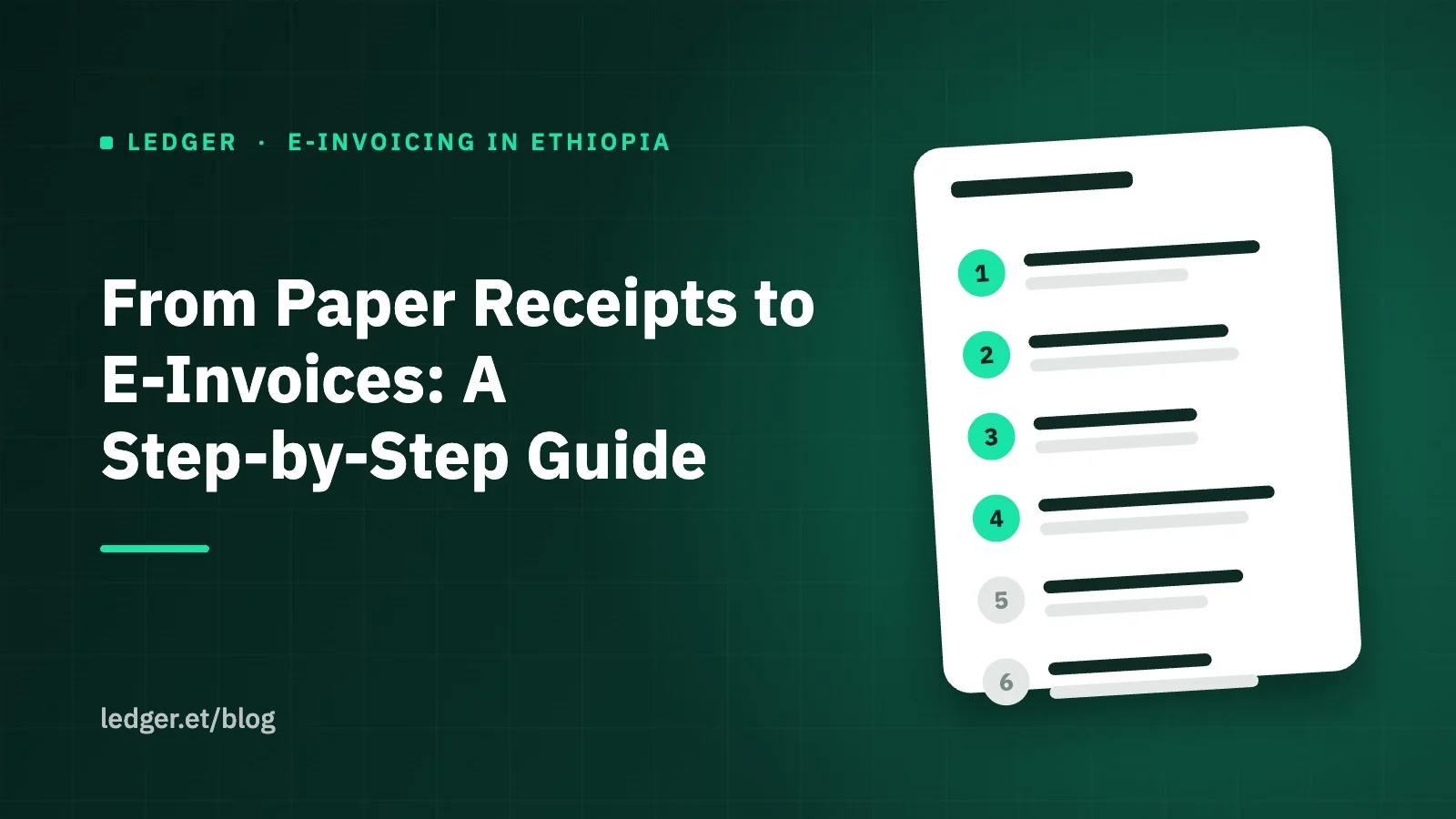
This guide is the practical part: six steps to make the move calmly, before it becomes urgent.
Step 1: Write down how you invoice today
Be honest about the starting point. How many invoices do you issue per day? From how many shops or branches? Who issues them? Do you use paper, Excel, a cash register machine or accounting software?
This short list decides everything else, including which plan and setup you need.
Step 2: Get your basic data in order
An e-invoice is checked by the Ministry's system before it is valid, so wrong data means rejected invoices. Before you start, collect:
your business TIN and VAT registration details
your product and service list, with prices
which items carry VAT and which do not
the TINs of your regular business customers
An hour spent here saves days later.
Step 3: Choose an approved way to issue
The directive allows a business to issue e-invoices in several ways: through an approved SaaS provider, through approved software from an accredited supplier, or through a system the business builds itself and gets authorised.
For most small and medium businesses, an approved SaaS provider is the simplest route. There is nothing to install or maintain, and the provider keeps the connection to the Ministry working. We cover how to compare them in how to choose an approved e-invoicing provider.
Step 4: Train the people who actually issue invoices
The owner rarely issues the invoice. The cashier, the sales assistant or the accountant does. Sit them down with the new system and let them issue test invoices until it feels normal.
Two things are worth practising: correcting a mistake, and what to do when the internet drops.
Step 5: Run both systems side by side for a short time
Do not switch overnight. For a week or two, issue through the new system while keeping your old routine as a backup. Compare the totals at the end of each day. When they match without effort, you are ready.
Step 6: Make the switch and tell your customers
Once you go live, every invoice carries an Invoice Registration Number and a QR code. Tell your business customers they can scan it to confirm the invoice is genuine. It is a small detail that builds trust.
What changes in your daily work
Receipts: from handwritten or printed pads to invoices issued from a computer or phone.
Records: from copies stored in boxes to digital records you can search.
Month-end: from retyping figures to sales data that is already organised.
Trust: from a customer who has to trust the paper to one who verifies by QR code.
Common mistakes to avoid
Waiting for the deadline. Rollout is phased and dates are set by the Ministry. Businesses that start early choose calmly; the rest choose in a hurry.
Choosing on price alone. A provider that is not approved by the Ministry does not make you compliant, whatever it costs.
Skipping training. Most problems in the first week are human, not technical.
Start with a free demo
Ledger Technology PLC is listed by the Ministry of Revenues as an approved provider of sales registration SaaS under Directive No. 1142/2018 E.C. Our team will walk you through issuing your first e-invoice, from your computer or your phone.
Book a free demo on Telegram: t.me/ledgersalesbot
This article is general information, not tax advice. For your specific situation, speak to your accountant or the Ministry of Revenues.